How to Use AI for Landscape Design: Best Tools, Apps & Prompt Examples
At a Glance: Homeowners, yards, gardens, and patios gain clear planning options with AI landscape design tools. These services turn a photo into outdoor concepts, helping people compare styles, layouts, plants, and project priorities before they spend money or hire help.
“Study nature, love nature, stay close to nature. It will never fail you.” — Frank Lloyd Wright
Today, a single image can spark useful ideas for a front yard, backyard, side yard, deck, or garden. Homeowners can test a modern style, compare planting plans, and find inspiration that fits their family, budget, climate, and daily needs.
This guide compares quick concept generators, free planning apps, and advanced software. It also shares prompt examples for lighting, materials, privacy, maintenance, and family use. For more options, explore these top planning apps.
Visual tools support early planning, not final approval. Confirm measurements, drainage, local codes, utilities, and plant suitability with qualified professionals before construction.
Key Takeaways
- Start with a clear outdoor photo.
- Test several styles before choosing one.
- Write prompts with practical needs.
- Use results to compare project priorities.
- Verify plans with measurements and experts.
What Is AI Landscape Design and How Does It Work?
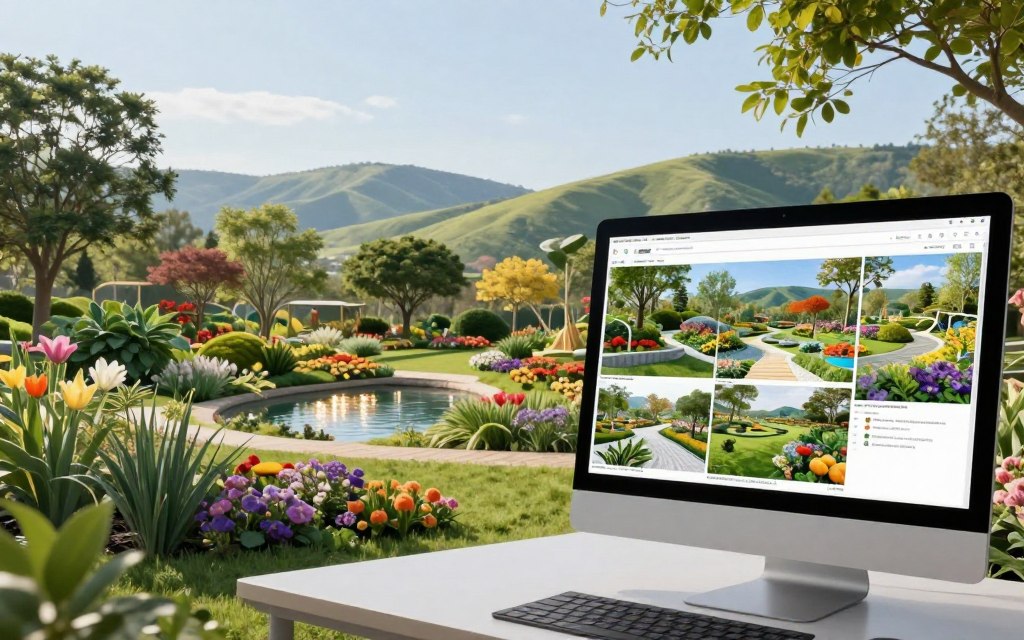
AI landscape design uses image-generation technology to show how a photographed yard might look after changes. It creates visual options while trying to keep the home’s existing structure in place. Treat each result as inspiration, not a construction plan.
A clear photo, visible property edges, and location details help the system produce useful results. Location data can guide plant and material suggestions for local weather. Models developed by landscape engineers with over 10 years of experience may also improve output quality.
How Photo-Based Generators Transform Yard Images
Most tools follow four steps: upload a photo, select a style and options, generate an image, then refine and download it. An image-composition method can separate the building from the landscape. This helps preserve walls, windows, and roof lines while changing plants, paths, or finishes.
| Step | What to Provide | Typical Result |
|---|---|---|
| Upload | Clear photo with boundaries | Base scene |
| Select | Style, use, and location | Focused direction |
| Generate | Chosen settings | Concept image |
| Refine | Edits and new options | Planning reference |
When Inspiration Requires Professional Landscape Design
Hire professionals for grading, retaining walls, irrigation, drainage, electrical work, permits, or structural changes. Their site checks and experience turn visual results into safe, buildable landscaping plans.
Best AI Landscape Design Tools and Apps for Homeowners
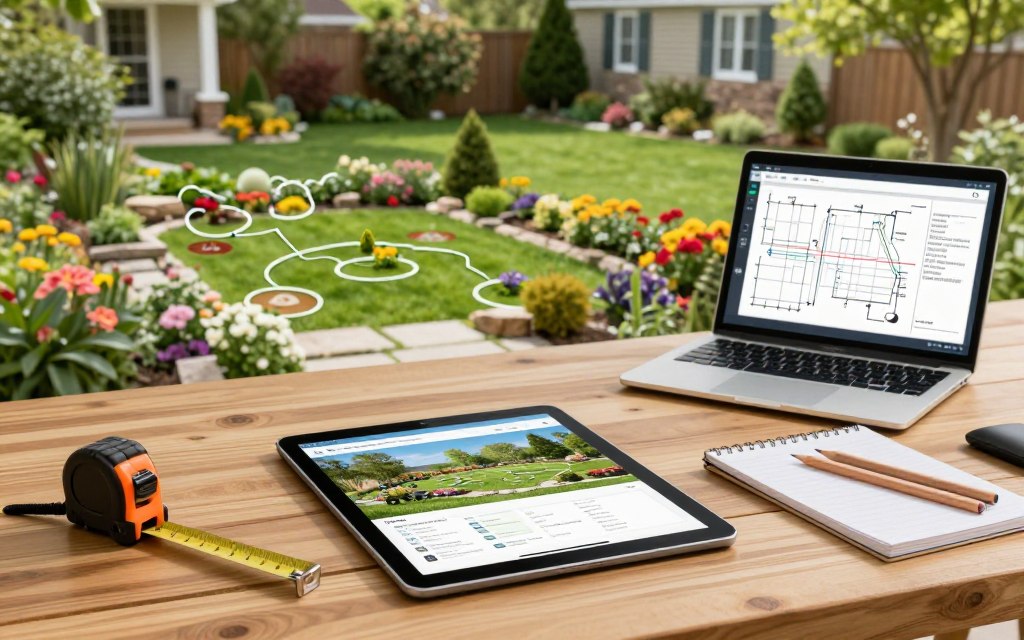
Choosing the right planning platform depends on the project’s size, budget, and level of detail. Homeowners often need quick visual ideas, while contractors need accurate files, plant data, and client-ready results.
Photo-Based Tools for Front Yards, Backyards, and Gardens
Photo-based generators work well for early inspiration. One service offers 15 front-yard styles, 15 backyard functions, 11 patio layouts, six side-yard choices, and 14 garden presets. It also includes 10 pool styles and 16 exterior facade styles.
Neighborbrite requires no app installation. Users upload a photo, choose a style, and receive rapid concepts. Its community has more than 800,000 members. However, these images may not show exact measurements, plant health, or drainage needs.
Professional Landscape Design Software for Detailed Projects
PRO Landscape+ targets contractors and complex projects. It combines photo imaging, CAD, 3D rendering, lighting plans, tablet apps, and one-click proposals. Each license supports one computer plus one iPad or Android tablet. Support includes phone or email help and online training.
Free Landscape Options and App Features
| Option | Best For | Key Benefit | Main Limit |
|---|---|---|---|
| Neighborbrite | Quick concepts | No installation | Limited technical detail |
| PRO Landscape Companion | Existing subscribers | Free companion app | Requires PRO Landscape+ |
| PRO Landscape+ | Professional projects | CAD and proposals | Higher cost and learning curve |
How to Use AI Landscape Design Tools

Turn a rough idea into a useful plan by working through each setting in order. A careful upload and clear project goals will produce more relevant results.
Upload a Clear Photo of Your Yard or Outdoor Space
Take the picture in daylight from eye level. Keep the house, property lines, paving, plants, and large structures in view. Upload the sharpest image available.
Choose a Style, Function, and Location
Identify the area, such as a front yard, patio, or garden. Add your location for better plant and material suggestions. Select a purpose, such as dining, play, rest, or entertaining, then choose a visual style and key features.
Refine, Compare, Download, and Share Design Images
Generate several options, but change one setting at a time. This makes comparisons easier. Refine the strongest result, open the full-size image, and label each file by date and style.
- Use free credits for initial testing.
- Share selected results with family or a contractor.
- Buy extra runs or cloud storage only when needed.
PRO Landscape customer Kerry Stinnet created a design and secured a deposit within five minutes, showing how quickly a concept can support a project discussion.
| Step | Best Practice | Useful Outcome |
|---|---|---|
| Capture | Use a bright, wide photo | Better scene quality |
| Set | Add use, location, and features | More relevant results |
| Refine | Save and compare versions | Clearer project direction |
AI Landscape Design Prompt Examples for Outdoor Spaces
Strong prompts give a generator clear direction instead of vague inspiration. Include the location, purpose, style, materials, plant needs, family habits, and limits. For more garden design ideas, test one change at a time and compare the results.
Front Yard Curb Appeal Prompt
Use this starting point: “Redesign this photo of my front yard in a Contemporary style for a suburban home in Austin, Texas, preserving the facade, driveway, and walkway.” Add low-maintenance native plants, layered height, warm pathway lighting, defined planting beds, and a realistic construction-ready layout. Ask for a clean view that matches the property’s scale.
Backyard Entertainment and Relaxation Prompt
Try this prompt: “Transform this backyard into a FirePit & Gathering area with seating for six, a safe fire feature, shade, durable paving, and space for family activities.” Add mature trees, property boundaries, drainage limits, and easy upkeep. For a quiet retreat, replace the function with Relaxation Space and request a Zen, Mediterranean, or Modern Minimalist style.
- State whether the area supports dining, play, pets, or gardening.
- Name preferred materials and plant colors.
- Ask for several options, then review each layout with a professional.
| Prompt Detail | Useful Example | Why It Helps |
|---|---|---|
| Function | FirePit & Gathering | Sets the main use |
| Materials | Durable paving | Guides surface choices |
| Limits | Preserve mature trees | Protects existing features |
| Next Step | Review with a professional | Supports safe construction |
How to Compare AI Landscape Designs and Select the Best Option
The strongest concept is not always the prettiest image. Judge each option by how well it supports daily life, fits the existing property, and controls future upkeep.
Open every result at full size. Check paths, seating, shade, privacy, access, and usable space. Confirm that the generator kept the home, driveway, fences, mature trees, utilities, and property lines from the original photo yard.
- Check mature plant size, sunlight, water needs, hardiness, toxicity, and local supply.
- Confirm that paths connect and that play, dining, service, or fire areas fit.
- Ask family members to score function, cost, safety, maintenance, and curb appeal.
Nilla W. valued seeing how plant styles changed a yard. Sara A. found the tool useful after moving into a property with no planting. These examples show how a generator can support decisions, not replace site checks. For more ideas, review planning app comparisons and this guide to outdoor living spaces.
| Reviewer | Score Focus | Action |
|---|---|---|
| Homeowner | Cost and use | Rank priorities |
| Family | Safety and comfort | Compare votes |
| Professional | Buildability | Verify measurements |
Tom Teehan reported three jobs totaling $63,100 three days after receiving PRO Landscape. That result shows sales value for contractors, not a guaranteed homeowner outcome. Even free landscape design results need expert review before construction.
How to Turn AI Landscape Images into Practical Plans
A polished image becomes useful when you test it against real site conditions. Start with the location field, then note soil, sun, slope, weather, and water access. Climate data can guide suitable plants and durable materials.
Match Plants and Materials to Climate and Site Conditions
Treat each plant list as a starting point. Check hardiness, mature size, soil, sunlight, water needs, invasiveness, and local availability. Compare native restoration, xeriscape, pollinator, wetland, and rain garden options with actual drainage conditions.
- Confirm the mature plant size near doors, windows, and paths.
- Compare patio styles, such as dining, kitchen prep, pergola, lounge, or terraced layouts.
- Use the localized DIY list for planning only, not professional advice.
Plan Measurements, Lighting, Drainage, and Project Costs
Measure the yard, beds, pathways, setbacks, utilities, trees, and patio before setting layout dimensions. Plan path, step, seating, security, and accent lighting separately. Price plants, soil, mulch, pavers, irrigation, labor, delivery, and waste. A professional landscape design review can confirm safety and buildability.
| Planning Check | What to Verify | Planning Benefit |
|---|---|---|
| Climate | Hardiness and soil | Healthier plant choices |
| Site | Drainage and utilities | Fewer construction risks |
| Lighting | Fixtures and power | Safer outdoor spaces |
| Budget | Materials and labor | More accurate project costs |
Common Mistakes Homeowners Make with AI Landscape Design
A polished concept can hide serious planning gaps. Use each image as a discussion tool, then test every choice against the property, budget, and local rules.
Why AI Images Should Not Replace Site Measurements or Expert Advice
First, attractive plants may fail in real conditions. A generator can miss hardiness, soil chemistry, mature size, pests, and irrigation access. Check local growing data before choosing any plant for a yard or garden.
Next, measure doors, paths, slopes, utilities, and seating areas. Without accurate dimensions, a concept may block an entry, create unsafe clearances, or misstate material quantities.
- Review grading, retaining walls, drainage, electrical circuits, decks, fences, and pools with qualified professionals.
- Treat numbered materials and planting lists as suggestions, not guarantees.
- Request a permit, utility, stormwater, accessibility, and structural review for complex projects.
The provider’s models were developed by landscape engineers with more than 10 years of experience. Still, its localized DIY list remains a planning reference, not professional advice. PRO Landscape+ supports contractors, designers, garden centers, and schools, yet a professional landscape review remains essential for buildable results.
Conclusion
AI landscape design offers a fast way to compare outdoor ideas. Treat each image as an early concept, not a construction document. The June 20, 2026 source and its four-step workflow provide a useful starting point.
Begin with a clear photo, choose the location and purpose, compare styles, and refine the most practical option. Then verify plants, materials, drainage, lighting, upkeep, safety, measurements, and costs. Simple tools suit inspiration, while complex work may need professional software or a qualified contractor.
Who should use AI landscape design tools? Homeowners can use them to explore layouts, planting themes, patio ideas, and outdoor features before requesting estimates or professional guidance.
What should a final design include? It should reflect accurate measurements, suitable plants, material costs, drainage needs, lighting plans, maintenance demands, safety rules, and local construction requirements.
How can homeowners improve results? Upload a bright, wide photo, state the yard’s purpose, add location details, compare several options, and change one feature during each refinement.
Why involve a qualified professional? Experts can confirm grading, utilities, permits, structural safety, irrigation, and buildability when a project includes technical construction or major property changes.